
Before a recruiter ever reads your resume, software usually reads it first. If that software cannot parse your layout or match your wording to the job, your application can stall no matter how strong your experience is. That is exactly the gap an AI resume generator is built to close: it turns a job posting and your background into a clean, keyword-aligned document that machines and humans can both read. This guide explains how an AI resume generator for ATS works, what “ATS-friendly” actually means, and how to use one without sabotaging yourself.
What an ATS is and why it filters your resume
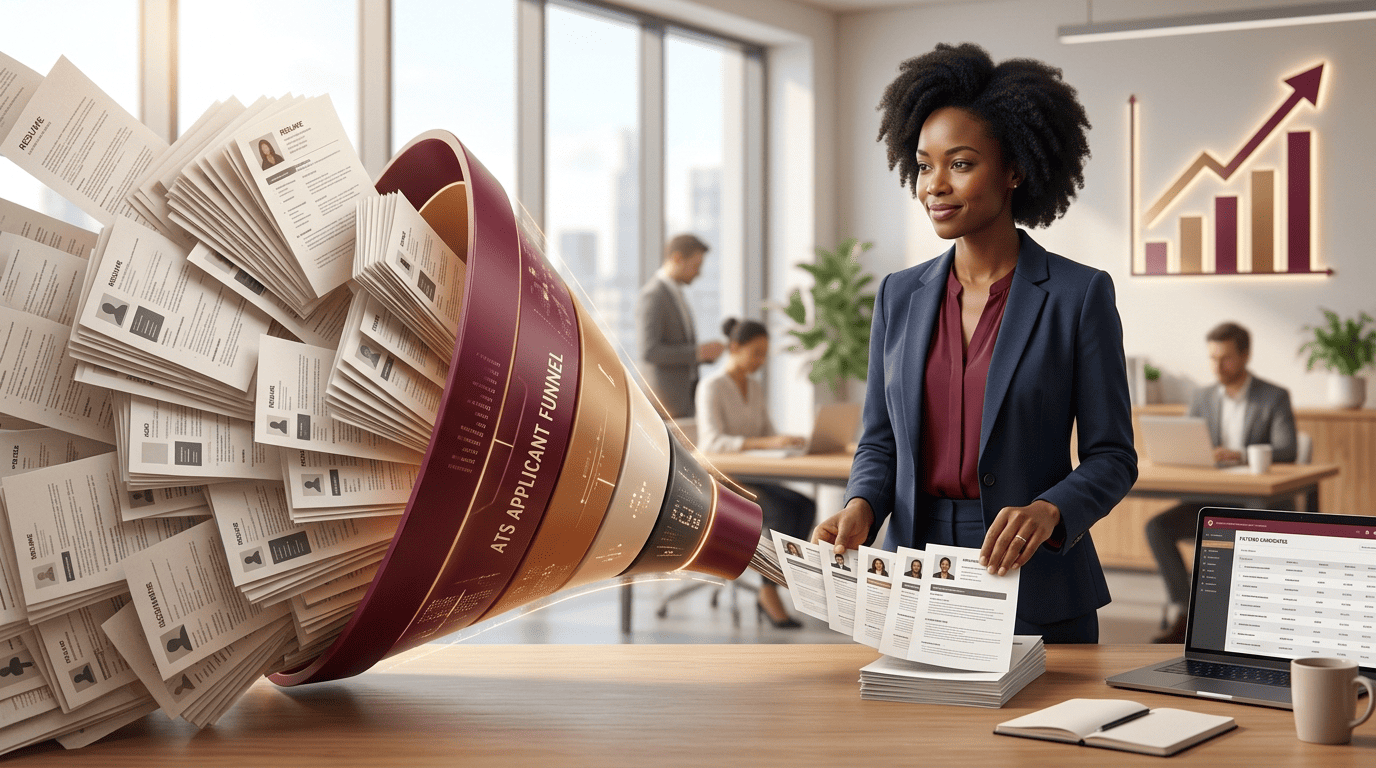
An applicant tracking system (ATS) is, per Wikipedia, “a software application that enables the electronic handling of recruitment and hiring processes.” When you upload a resume, the ATS parses it into structured fields — name, contact info, work history, skills — and stores it in a searchable database. Recruiters then search and rank that database by keywords and criteria pulled from the job description.
This is not a niche tool. According to Jobscan’s 2025 usage report, 97.8% of Fortune 500 companies (489 of 500) use a detectable ATS, and corporate job postings draw an average of 250 applicants each. Recruiters cannot read every one by hand, so they lean on the system to filter and rank first.
The consequences are real. A landmark Harvard Business School and Accenture study, Hidden Workers: Untapped Talent, led by Joseph B. Fuller, surveyed 8,720 workers and 2,275 executives across the US, UK, and Germany. As Harvard Business School summarized it, “the majority of employers acknowledged that their hiring systems rejected potentially productive applicants.” The report estimated that 27 million Americans are “hidden workers” — qualified people screened out before a human sees them, largely because their resumes did not match the exact terms the software was told to look for.
What “ATS-friendly” actually means
“ATS-friendly” is not about tricking the software. It means your resume is structured so the parser reads it correctly and your content matches what the recruiter searches for. Two things have to be true at once:
- The layout parses cleanly. No scrambled sections, no lost bullet points, no skills hidden inside an image the machine cannot read.
- The content matches the role. The skills and terms the recruiter searches for actually appear in your resume, in plain language.
Get one without the other and you still lose. A beautifully worded resume trapped in a two-column template can be shredded on parse. A perfectly parsed resume with none of the job’s keywords ranks near the bottom of the search.
How an AI resume generator makes a resume ATS-ready
A good AI-powered resume generator handles both problems at the same time, which is why it beats a pretty template you fill in by hand. Here is what it does under the hood.
It parses the job description for you
Instead of guessing which terms matter, you paste the posting and the tool extracts the required skills, tools, and phrasing. This is the foundation of good resume keyword optimization: the words a recruiter will search for come straight from the job they wrote. You can even generate a resume from a job description so the whole draft is tailored to that specific role from the first line.
It writes in ATS-safe structure
The generator outputs standard, parseable sections — Summary, Work Experience, Skills, Education — with conventional headings rather than clever custom labels. MIT’s Career Advising office notes that clear section titles matter because, when the ATS extracts text, standard headings tell it what each block of text actually is. The AI keeps that structure intact so nothing gets mislabeled.
It mirrors the job’s language
If the posting says “project management” and your draft says “led initiatives,” a ranking search for “project management” may skip you. The generator aligns your real experience to the posting’s vocabulary — without inventing anything — so a keyword search actually surfaces your resume.
The formatting rules that keep you parseable
Even with AI help, formatting is where resumes quietly die. These are the widely agreed-upon rules for ATS compatibility:
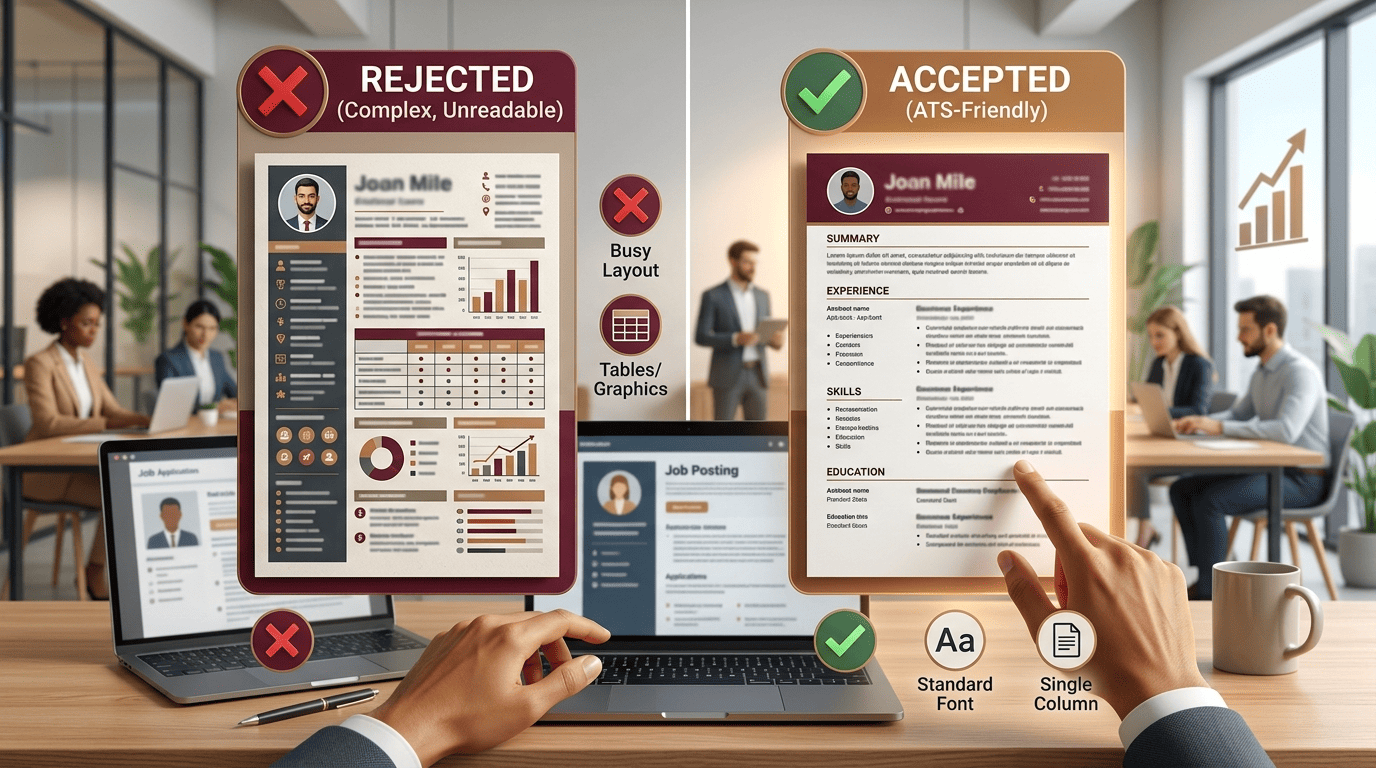
- Single column, no tables or text boxes. Multi-column layouts, tables, and text boxes routinely scramble or drop content on parse. Keep everything in one linear column.
- Standard, web-safe fonts. Stick to Arial, Calibri, Georgia, or Times New Roman. Microsoft’s own resume guidance recommends common, highly legible fonts at 10–12 points for body text so both parsers and people read easily.
- Conventional bullets. Use simple solid or open circles. Custom symbols, checkmarks, and arrows can render as junk characters.
- No graphics, logos, photos, or icons. The ATS cannot read text inside an image, so any skills baked into a graphic are invisible.
- .docx unless told otherwise. A Word
.docxfile still has the highest parse-success rate across ATS platforms. Only send a PDF when the posting asks for one. - One-inch margins, plain text contact info. Never put your phone or email in the header or footer, where some parsers ignore it.
An AI resume generator that outputs a clean single-column .docx handles most of this by default — but always download and eyeball the result before you send it.
A step-by-step workflow
Here is a repeatable process that pairs AI speed with human judgment:
- Collect two things: the exact job posting and your own history (past resume, notes, or a quick list of roles and wins).
- Feed both to the generator. Paste the posting so the AI can pull the target keywords, then add your experience.
- Generate the tailored draft. The tool produces an ATS-structured resume aligned to that role in seconds.
- Verify every claim. AI can smooth wording, but you are responsible for accuracy. Confirm titles, dates, and metrics are true.
- Check the keyword match. Read the posting’s “requirements” section and make sure each genuine skill you have appears in your resume in the posting’s own words.
- Export as
.docxand open it to confirm the layout is a single clean column with readable text. - Repeat per application. The point of AI is that re-tailoring for the next role takes minutes, not hours.

Common mistakes an AI generator helps you avoid
- Keyword stuffing. Dumping a wall of skills or hiding white-text keywords gets flagged and reads badly to humans. A good generator weaves terms into real accomplishments instead.
- One generic resume for every job. ATS ranking is relative to each posting, so the same document rarely ranks well everywhere. Re-tailoring per role is the whole advantage.
- Trusting the AI blindly. Generators can overstate or invent details. Treat the draft as a strong first pass you must fact-check, not a finished document.
- Fancy templates from elsewhere. Importing a design-heavy template can undo the clean structure. Let the AI resume builder tool own the formatting end to end.
Does beating the ATS mean gaming it?
No — and trying to game it backfires. The same resume the ATS parses is the one a human reads next. If a recruiter searches for skills a job requires and your resume genuinely has them, surfacing in that search is not a trick; it is the system working as intended. The goal of an AI resume generator for ATS is to make sure your real qualifications are legible to both the software and the person, so a strong candidate is not filtered out over formatting. A resume tuned this way is not “beating” the system so much as speaking its language.

FAQ
Will an AI-generated resume get flagged or penalized by an ATS?
No. An ATS parses and ranks content; it does not detect or penalize AI authorship. What matters is that the resume is well-structured, accurate, and matched to the job — not who or what wrote it.
Is .docx or PDF better for ATS?
A .docx Word file has the highest parse-success rate across ATS platforms, so it is the safer default. Use PDF only when a job posting specifically requests it, and never send an image-based or scanned PDF.
Can an AI resume generator guarantee I pass the ATS?
No tool can guarantee results, because ranking depends on the role, the competition, and the recruiter’s search. A generator dramatically improves your odds by ensuring clean parsing and strong keyword alignment, but it is a help, not a guarantee of an interview or a job.
How do I know which keywords to include?
Pull them from the job description itself — especially the required skills, tools, and repeated phrases. An AI resume generator extracts these automatically so you match the exact terms recruiters search for, rather than guessing.
Do I still need to review the resume myself?
Absolutely. AI can misstate titles, dates, or achievements. Always verify every factual claim and confirm the layout is a single clean column before you submit.
How often should I re-tailor my resume?
For every meaningful application. Because ATS ranking is scored against each specific posting, a resume tuned to one job will not rank as well for another. AI makes re-tailoring fast enough to do it every time.